
Manu Thiyyas
CEO & Co-founder, hiRobin
In this article
The overcorrection problem nobody talks about
What actually works in 2026 (and what doesn't)
The real question: what if you didn't have to choose?
Quick spam call setup checklist (do these today)
You probably got at least three spam calls today.
A credit card you didn't apply for. A "free" health check-up. An investment opportunity from someone who somehow knows your name. If that sounds about right, you're not the only one trying to figure out how to block spam calls on Android without losing the ones that actually matter. Truecaller's 2025 India Insights Report recorded over 4,100 crore spam calls across India last year. That's roughly 11.4 crore spam calls every single day.
The instinct, understandably, is to block everything. Turn on "silence unknown callers." Let Truecaller's auto-block handle it. Register for DND. Set your phone to reject anything that doesn't come from your contacts.
And that works. Until it doesn't.
Because in India, the calls that matter most often come from numbers you've never seen before.
The overcorrection problem nobody talks about
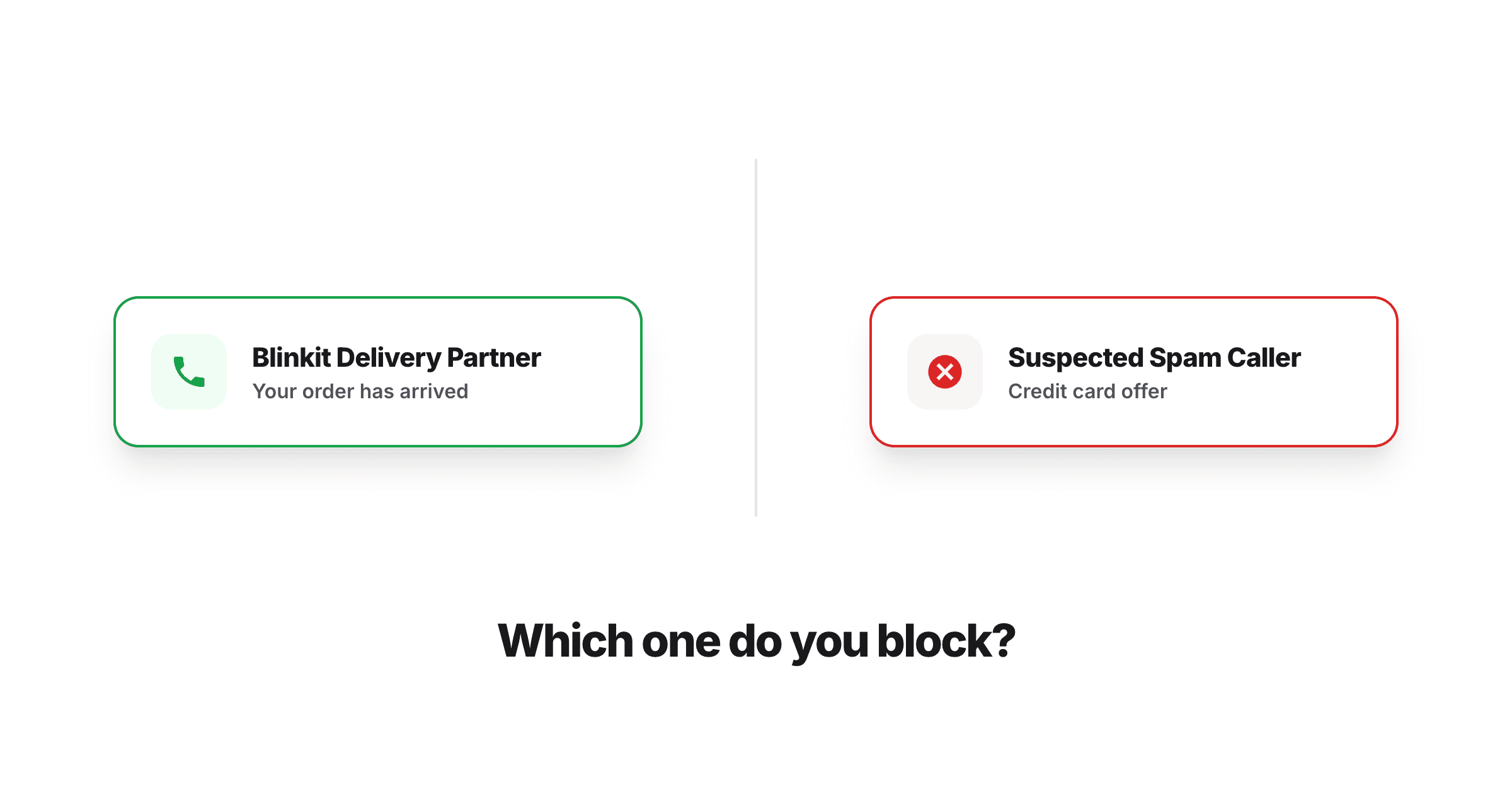
Here's the thing about blocking unknown calls: you're not just blocking spam. You're blocking your Blinkit delivery driver trying to find your building. The clinic calling back to confirm your appointment. The plumber who's actually on his way. The Amazon delivery agent who needs your gate code.
This is the reality of how India works. Almost every useful service, from food delivery to home repairs to doctor appointments, eventually involves a phone call from an unsaved number. These aren't contacts in your phone. They're temporary numbers, business lines, and shared devices.
So when you turn on aggressive spam blocking, you create a new problem: you stop the spam, but you also stop the calls that were actually going to save you time.
Truecaller itself has acknowledged this tradeoff. The app's spam filtering in India doesn't always cleanly separate spam from legitimate business calls, and users have reported delivery calls, clinic callbacks, and recruiter calls getting caught in the filter. One widely shared story involved a person who ignored calls from an Amazon recruiter for an entire month, assuming they were spam.
The real problem isn't spam. It's that your phone treats every unknown call the same way, as a threat to be eliminated, when some of those calls are the exact opposite.
What actually works in 2026 (and what doesn't)
Let's go through your options honestly.
DND / TRAI's 1909 registry
If you're looking for how to stop unwanted calls in India, registering on the Do Not Disturb list is usually the first thing people try. In practice, 95% of people registered on DND still receive spam calls, according to a LocalCircles survey. The regulation exists but enforcement hasn't kept up. Register anyway. It does reduce volume slightly. But don't expect it to solve the problem.
Built-in Android spam filtering (Google Phone app)
If your Android phone uses the Google Phone dialer (stock on Pixel, OnePlus, and most non-Samsung devices), you can turn on Caller ID & Spam Protection under Settings. This flags suspected spam numbers and can auto-filter them. It's decent for known spam patterns, but it's not India-specific enough. Delivery numbers, clinic callbacks, and vendor calls often slip through the filter or, worse, get incorrectly flagged.
To enable it: Open the Phone app, then Settings, then Caller ID & Spam, and toggle on "See caller ID & spam" and "Filter spam calls."
Worth noting: the "Filter spam calls" option sends filtered calls straight to voicemail without ringing. In India, where voicemail usage is essentially zero, this means those calls just disappear.
Samsung Smart Call
If you're looking for the best spam call blocker on Samsung, Smart Call is your built-in option. It uses a combination of Samsung's data and Google's to flag suspicious calls. You can turn it on under Phone, then Settings, then Caller ID and spam protection. It offers two levels: block all spam or block only high-risk scam calls. The "block only high-risk" option is the safer choice if you're worried about missing legitimate calls, but it still won't catch everything.
Truecaller
Truecaller remains the most widely used solution in India, with over 250 million daily active users in the country. Its community-reported database is massive, and it recently added features like an assistant that screens calls and asks callers to identify themselves.
But Truecaller comes with real tradeoffs. It requires access to your contacts and SMS, which raises privacy concerns. The app has faced scrutiny over data practices, including reports questioning how user data is handled and instances of user data surfacing on the dark web. The free version includes ads that many users find intrusive.
More importantly for daily life: Truecaller's auto-blocking can be overzealous. The app's own team has acknowledged that legitimate businesses may sometimes get temporarily blocked before the community and algorithms catch up. For someone expecting a call from a new doctor's office or a vendor, "temporarily blocked" can mean a missed appointment or a wasted afternoon.
Silencing unknown callers
Android lets you silence all calls from numbers not in your contacts. This is the nuclear option. It works for spam, but it also means every delivery driver, every callback from a customer care line, every new contact who hasn't been saved yet goes straight to your call history with no ring. You'd have to obsessively check missed calls throughout the day, which defeats the purpose.
The real question: what if you didn't have to choose?
Every solution above forces you into the same tradeoff: block aggressively and risk missing important calls, or keep your phone open and deal with constant interruptions.
The reason this tradeoff exists is that all of these tools think about calls as a binary, spam or not spam, and try to make that decision before the call reaches you. But the calls that matter in Indian daily life don't fit neatly into either category. Your plumber's number might look exactly like a spam call. A clinic callback might come from a number that was used for telemarketing last month.
What if, instead of blocking or allowing, someone could actually pick up the call, figure out what it's about, and handle it? Or let you know it's worth your attention?
That's the idea behind a new kind of phone tool: the phone assistant. Instead of filtering calls based on whether a number looks suspicious, a phone assistant answers unknown calls on your behalf, talks to the caller, understands the context, and either handles it (tells the delivery driver to leave the package with the security guard) or sends you a summary so you can decide what to do.
This is what we're building with hi robin. Robin doesn't just screen your calls. It answers them, understands them, and takes action. The Blinkit driver calling during your meeting? Robin picks up, gives directions, confirms the delivery. The clinic calling to reschedule? Robin negotiates a new slot and sends you a notification. The spam call? Robin handles that too, but without you ever being interrupted.
It's not about blocking calls. It's about making sure you never have to deal with a call that didn't need your personal attention.
If you're tired of choosing between spam and silence, join our waitlist at hirobin.ai.
Quick spam call setup checklist (do these today)
Whether or not you're waiting for Robin, here's what you can do right now to reduce spam without going nuclear:
Register on DND by texting START 0 to 1909 or downloading the TRAI DND app. It won't stop everything, but it reduces volume from registered telemarketers.
Enable Google's spam protection in your Phone app (Settings, then Caller ID & Spam) but leave "Filter spam calls" off. Let it flag spam without auto-blocking.
Don't silence unknown callers unless you're absolutely sure you're not expecting any callbacks, deliveries, or vendor visits.
Manually block repeat offenders. Long-press any spam number in your call history, then Block, then Report as spam.
Be careful with where you share your number. Every online form, real estate inquiry, and fintech sign-up adds your number to lead databases. Use a secondary number for transactional sign-ups if possible.
Report spam numbers through the Google Phone app. Community reporting is what makes spam databases more accurate over time.
And if you'd rather not think about any of this, that's exactly what Robin is for.

Your phone should work
for you.
Just say hi robin and never worry about incoming calls again. Robin picks up, handles it, and lets you know what happened.
Download hiRobin
